
Advertising formats
See where ads appear in WasaWasa. These examples use the campaign manager’s own previews with sample photography.
In the discovery feeds

Feed Card
In Home or Explore, the card places a headline and action below the creative.

Home Banner
Framed media above a single line of copy and an action. Keep the headline short.
Video Feature
A wide placement for discovery or video feeds. Use a still image or a clip.
In the player
Now Playing
Square artwork takes the place of the cover. The playback controls remain available.
Video Strip
A thumbnail, headline and action sit below the clip. Write a headline that reads at a glance.

Vertical Story
The creative fills the frame, with the advertiser name at the top and the message at the bottom. Leave those areas clear.
Immersive Fullscreen
A full-screen placement with a countdown, message and action over the creative. Keep these areas clear so your message reads at a glance.
To get people involved


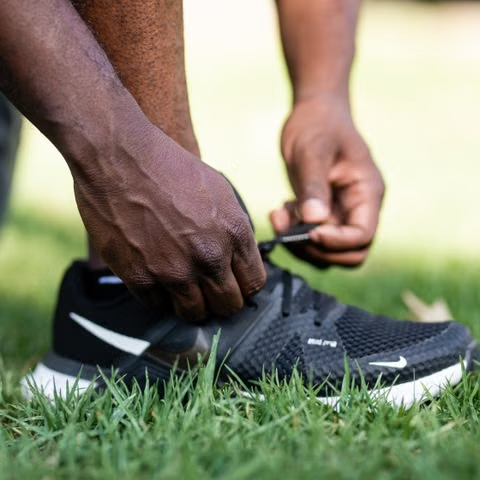
Product Carousel
Show several items in one ad. Each product can have its own image, price and link.
Interactive Quiz
Ask up to three short questions. An action can introduce your offer after the last answer.
Prepare your creative
The campaign manager shows which layouts fit your image or video. Check the crop in each preview before submitting your campaign.